




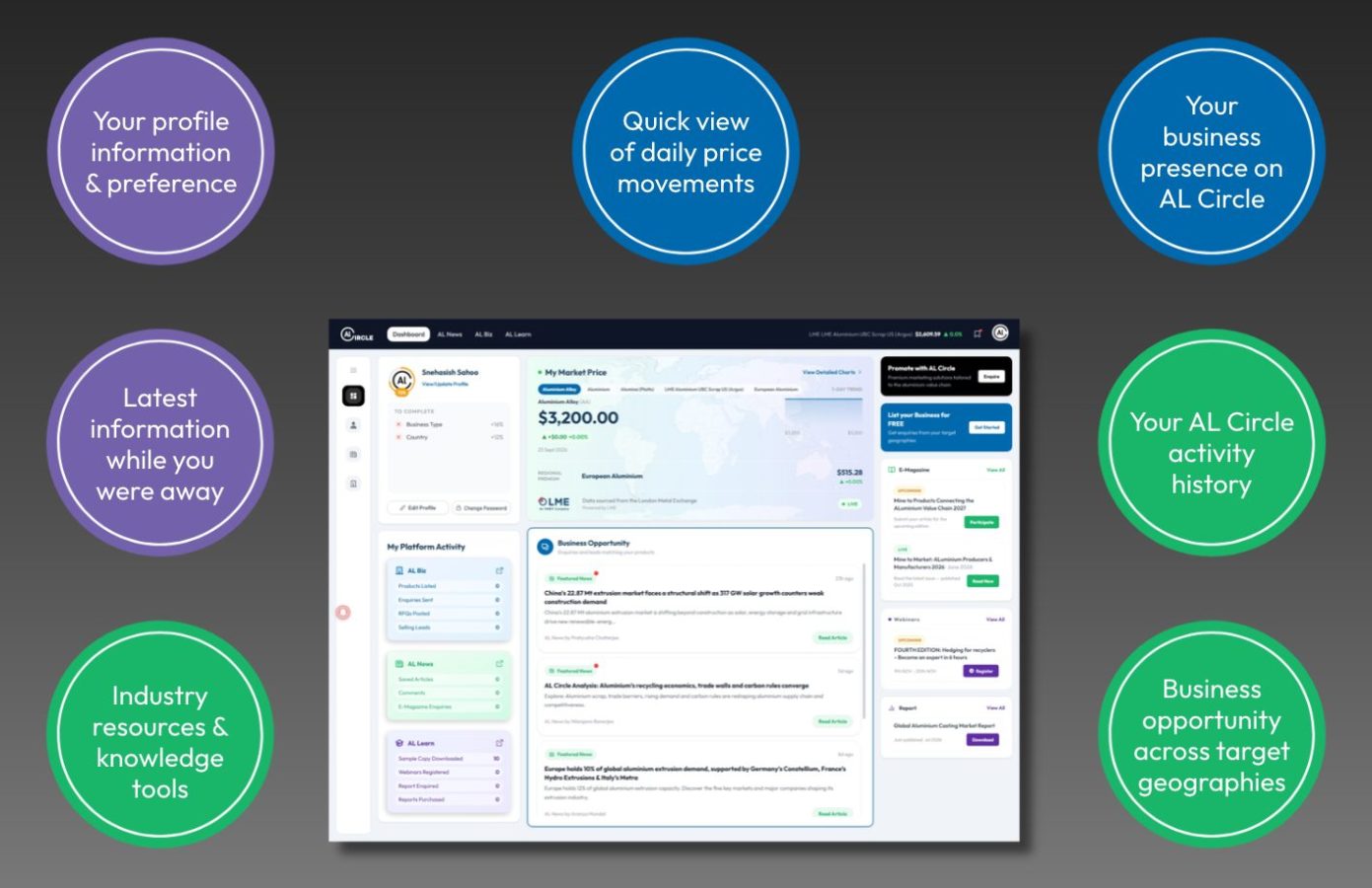
When you sign in to AL Circle, the dashboard gives you a place to manage your activity and pick up where you left on the platform. You can return to saved content, update your profile and, if you use AL Biz as a seller or buyer, keep track of business enquiries and leads.
Instead of searching across the platform for your next step, start at your dashboard.
What can you do from your dashboard?
Your dashboard is connected to your AL Circle account. The sections and tools available may depend on how you use the platform, but the goal is simple: make relevant account activity easier to find and manage.
Return to content you have saved
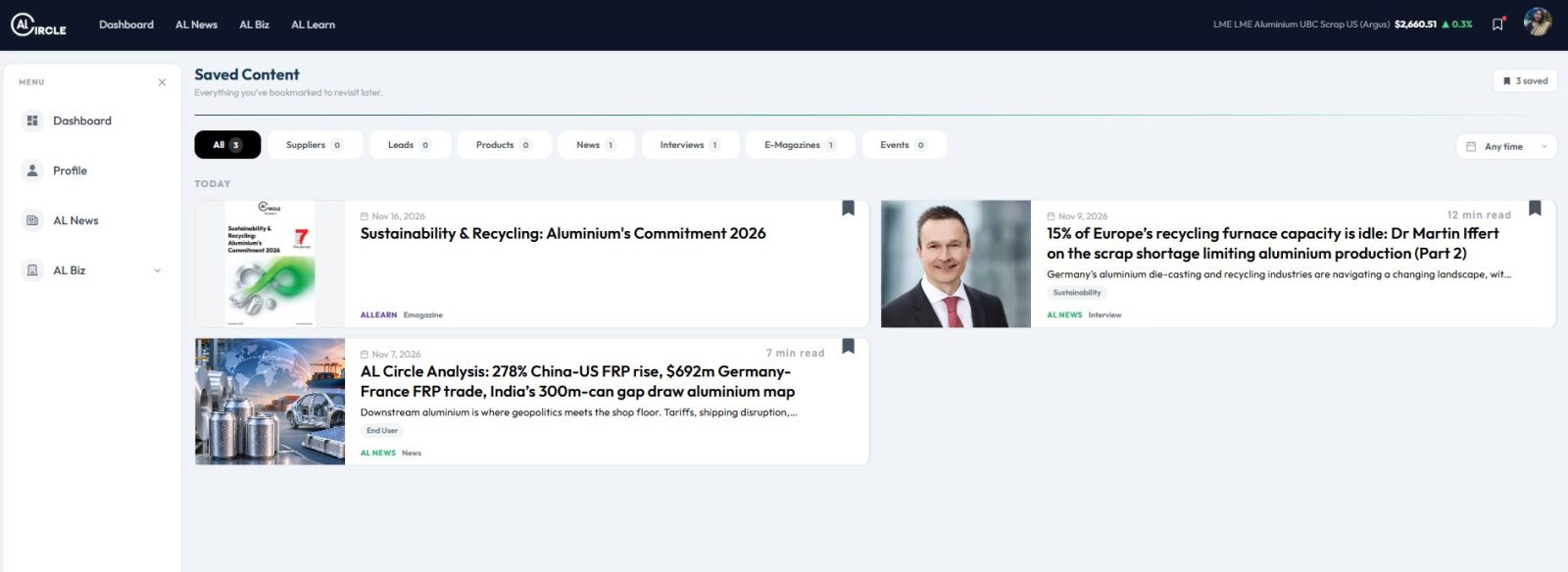
Found an article, report or other useful content but didn’t have time to finish it? Saved Content helps you return to items you have bookmarked. It’s useful when you’re following a market development, collecting research for a project or keeping industry reading in one place.
Keep your profile up to date
Your profile represents you on AL Circle. From your account area, you can view and update your profile information. Keeping those details up to date helps other users understand who you are and what you do in the aluminium industry.
Manage marketplace activity on AL Biz
If you have a buyer or a seller profile or Company Page, your dashboard can help you manage your business activity. You can review relevant business leads, track and respond to buyer enquiries, update your company profile and product listings.
For sellers, this means you have a practical place to follow up on opportunities and keep your business information current. Buyer responses can also be viewed from your AL Biz profile dashboard after you sign in.
A few ways to make your dashboard more useful
Log in to your AL Circle account to open your dashboard. New to the platform? Sign up for free to get started.
Complete your profile. Add accurate details so your account reflects your role and business.
Save useful content as you find it. This makes it easier to return to articles and resources when you need them.
Check your account regularly. If you use AL Biz for selling and buying, review new business enquiries so you can respond while the opportunity is active.
Keep listings up to date. Current product and company information helps buyers assess whether your offering fits their requirements.
Your next step starts here
Your personalised AL Circle dashboard brings your activity together in one place. Catch up on aluminium industry information, return to saved content, explore learning resources and manage business enquiries, all from a single dashboard. Sign in to pick up where you left off and move easily between the parts of AL Circle you use.
Log in to AL Circle to open your dashboard and explore the tools available in your account.
My Platform Activity
The My Platform Activity panel gives you a quick overview of how you use AL Circle across its three platforms: AL Biz, AL News and AL Learn. Each panel summarises activity in that area, so you can see what you have listed, enquired about, saved or accessed without checking each section separately. Use the shortcut beside a platform name to go to that area.
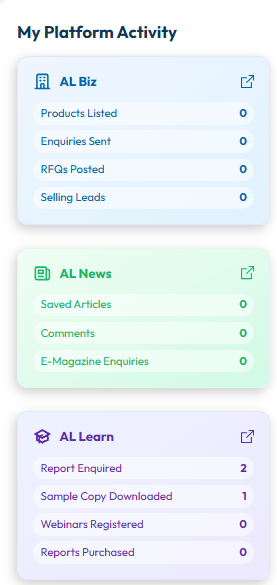
AL Biz: Manage your products, buying leads and enquiries
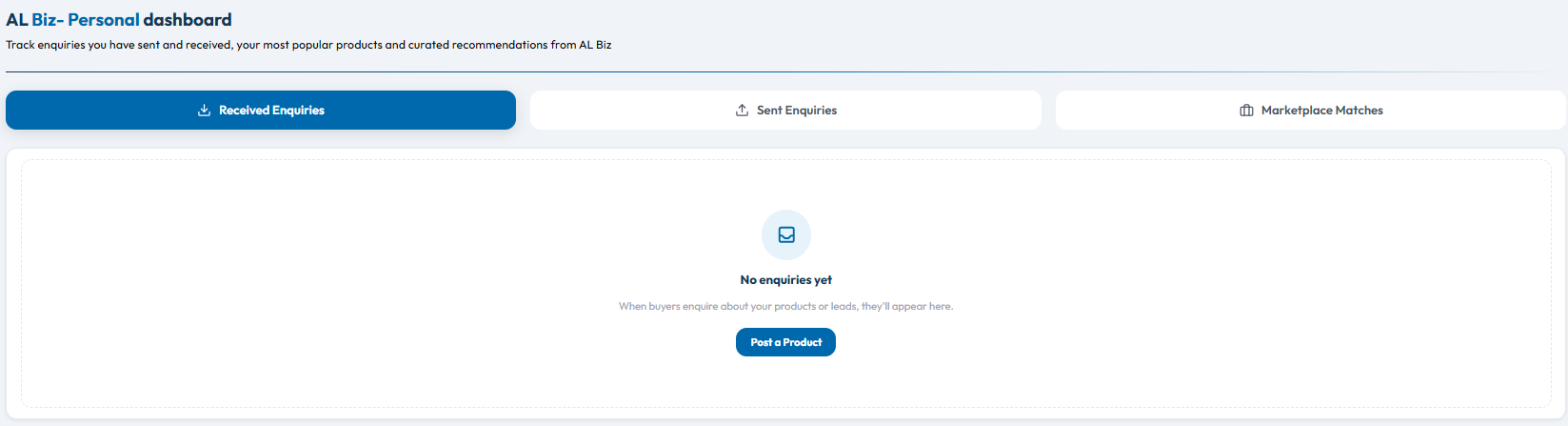
The AL Biz dashboard helps you follow your buying and selling activity. From one place, you can review enquiries you have received, enquiries you have sent and marketplace matches, then manage the products or buying requirements you have posted.
Review enquiries and marketplace matches
Use Received Enquiries to check messages from buyers interested in your products or leads. Sent Enquiries keeps track of enquiries you have made to other businesses. The Marketplace Matches tab brings relevant opportunities and recommendations together for you to review.
Manage your products and buying leads
In the products section, switch between My Posted Products and My Posted Buying Leads (RFQs) to review what you have listed on AL Biz. You can filter products by name, value chain or specifications, and use Post New Product to add another listing.
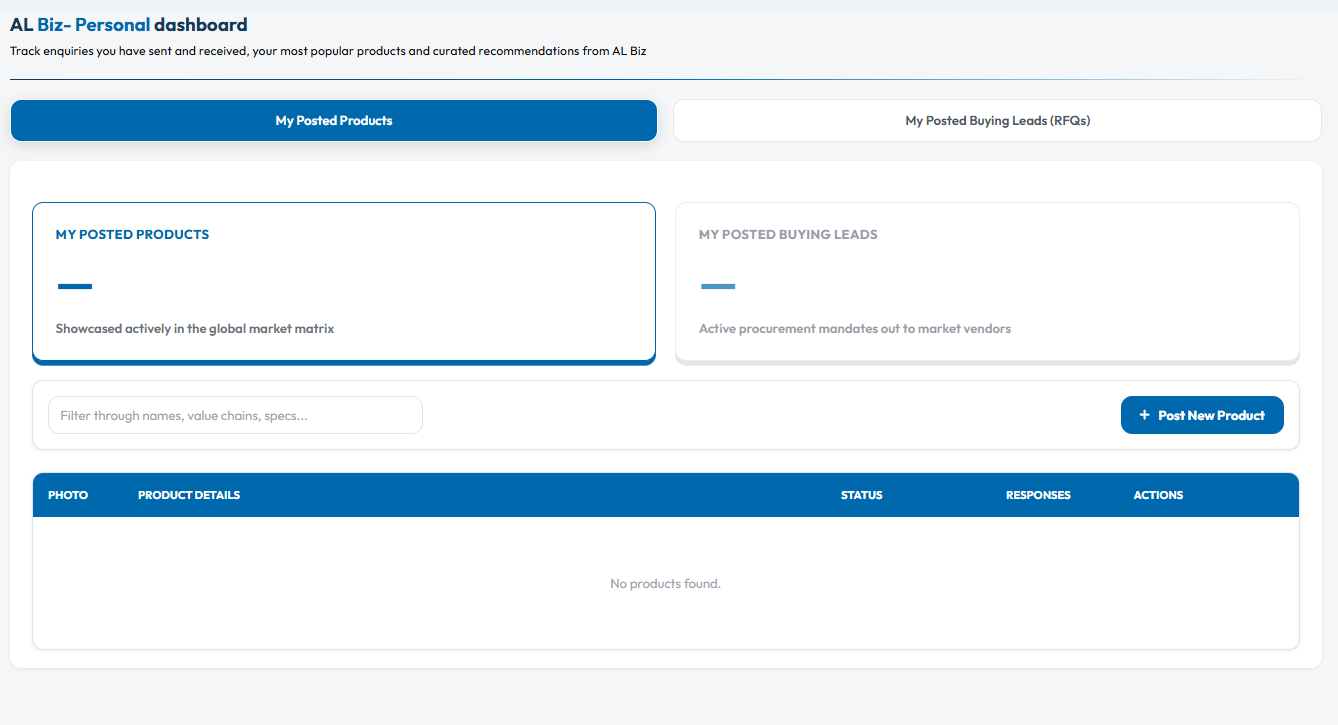
For each product, the table shows details such as its status, responses and available actions, helping you keep your listings organised and follow up on buyer interest. Buyers can also return to their posted RFQs to keep their procurement requirements in view.
If you have not posted a product or received an enquiry yet, the dashboard gives you a clear starting point to add a listing and build your activity on AL Biz.
AL News: Review your reading and published content
The AL News dashboard brings your reading activity and your own contributions together. Use My Activity to see how you engage with industry content, and My Content to check the status of material you have shared.
My Activity
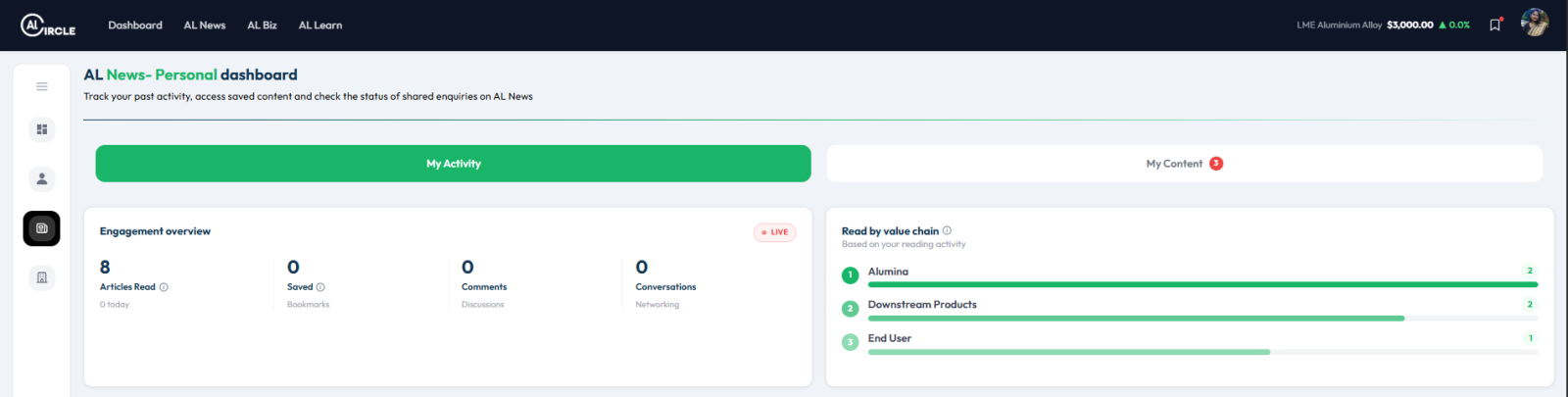
The Engagement Overview gives you a snapshot of articles read, saved articles, comments and conversations. This helps you quickly revisit your activity and see how you are engaging with AL News.
The Read by Value Chain panel groups your reading activity by aluminium sector. It can help you spot which parts of the value chain you have been following most.
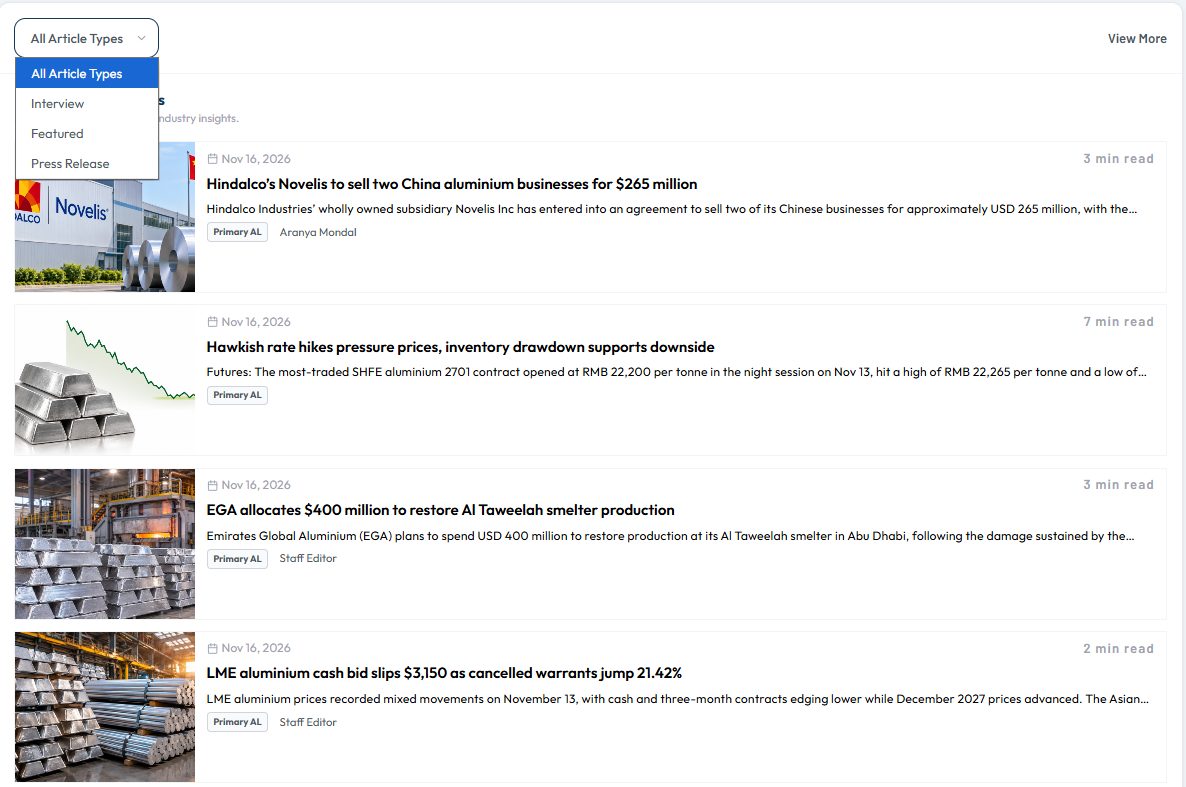
You can also browse Latest Featured News from the dashboard. Use the article-type filter to narrow the list to categories such as interviews, featured articles or press releases, or select View More to continue browsing.
My Content
If you have contributed content to AL News, open My Content to manage your articles, interviews and press releases. The dashboard shows each item’s status, such as published, under review or draft, along with details like its publication date and views where available.
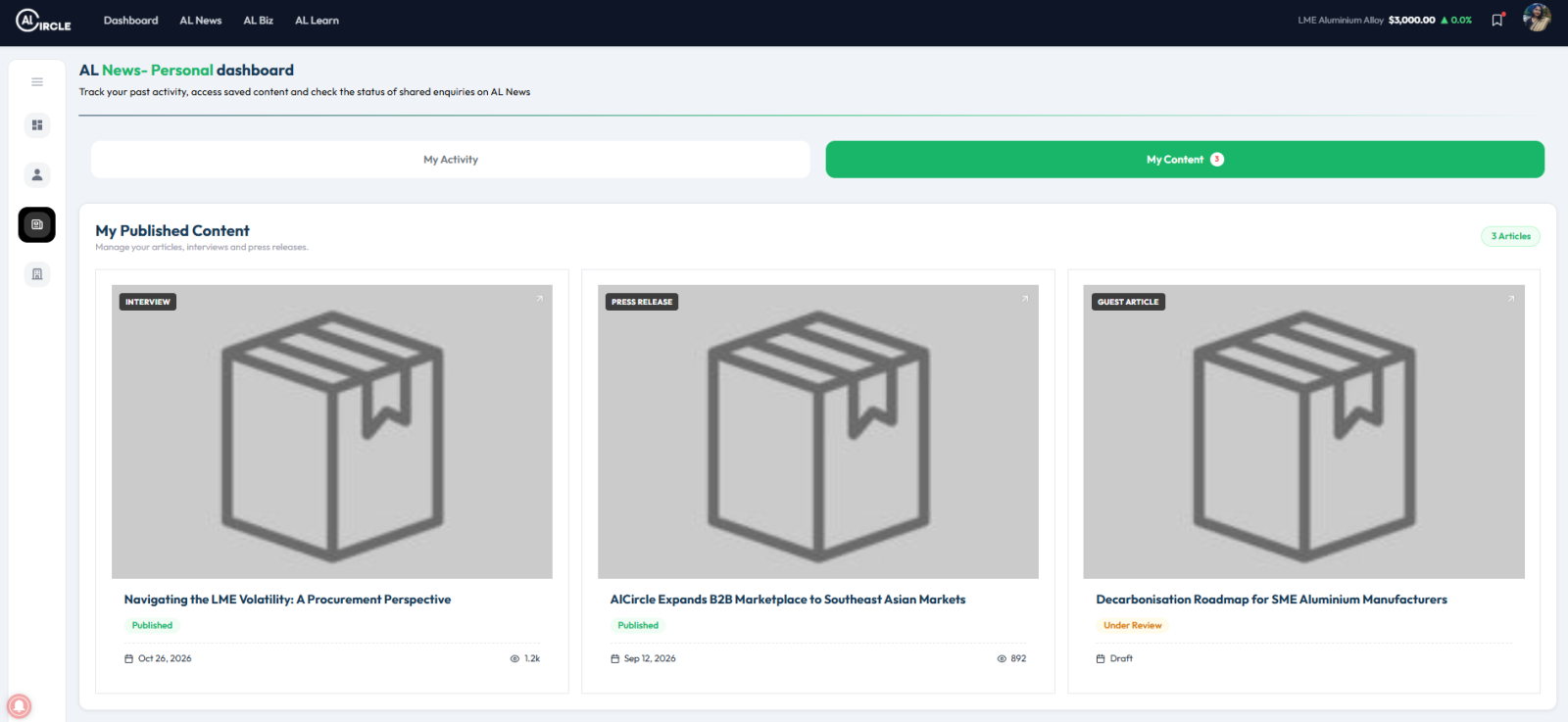
This gives you a handy place to check what is live, what is still being reviewed and what you have saved as a draft.
AL Learn: Keep track of your learning
The AL Learn dashboard brings your webinars, reports and learning videos together. It helps you see what you have registered for, which recordings are available and what reports you have purchased, downloaded or enquired about.
My Webinars
The Webinars Joined panel gives you a quick count of your webinar activity, including sessions you have watched, upcoming sessions and live webinars.
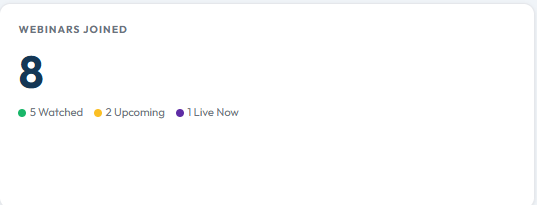
Browse your registered webinars and filter them by category or status. For upcoming or live sessions, use Join Now. If a recording is available after a webinar, you can watch it later from the listed session.
Report Activity
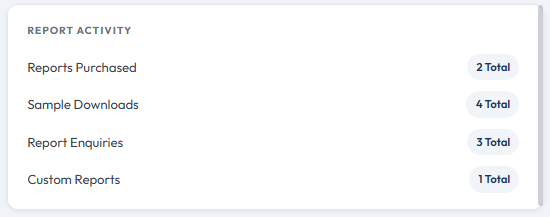
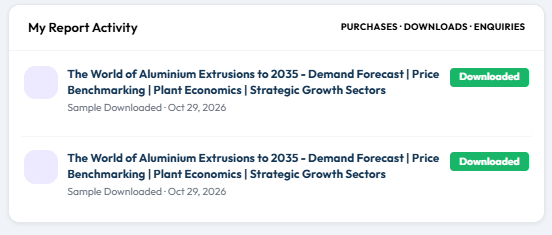
The Report Activity panel summarises your report purchases, sample downloads, enquiries and custom reports. Open My Report Activity to review individual reports and check their activity, such as whether a sample has been downloaded.
Top Learning Topics
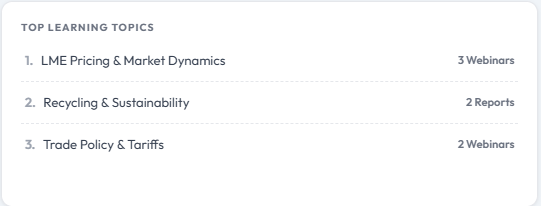
The Top Learning Topics panel highlights the subjects you have engaged with most through webinars and reports. It can help you quickly see the areas you have been learning about across AL Learn.
Video Library
The Video Library brings together webinar recordings available to you. You can revisit a session when it suits you and see which recordings you have watched or still have to watch.